
4K IPTV in Canada with MolyIPTV Pro
Big games and blockbuster films look stunning in 4K, but only if the whole chain is ready: the channel, the device, the app and your connection. Here is what is available in Ultra HD and how to get the best picture.
On this page
What 4K means for IPTV
4K, or Ultra HD, has four times the pixels of Full HD: 3840 × 2160. On a 55-inch or larger TV, the difference is obvious on grass, ice, crowd shots and film textures. With HDR on top, colours and contrast look closer to reality.
But 4K is demanding. It needs more bandwidth, a capable device and a channel or film actually produced in 4K. An upscaled HD channel labelled 4K is not the same.
What is available in 4K on MolyIPTV Pro
- Live sport: selected sports channels and event feeds in Ultra HD for major games
- Films: a growing collection of recent films in 4K in the on-demand library
- Series: selected series in 4K
- Nature and documentaries: some 4K showcase content
Most everyday channels, news included, are in HD or FHD, because that is how broadcasters produce them. MolyIPTV Pro lists the 4K versions separately so you can choose.
What you need
| Element | Requirement |
|---|---|
| TV | 4K TV, ideally with HDR |
| Device | Fire TV Stick 4K/4K Max, Apple TV 4K, Google TV 4K, Nvidia Shield, Formuler Z11, MAG 524 |
| App | TiviMate, IPTV Smarters Pro, MYTVOnline or another app with hardware HEVC decoding |
| Connection | 25 Mbps or more per 4K stream, Ethernet preferred |
| HDMI | High-speed HDMI cable into a 4K-capable HDMI port |
Older streaming sticks and TVs from before 2018 often cannot decode modern 4K streams smoothly, even if the TV is 4K.
Settings for the sharpest picture
- Set the device output to 4K (or Auto with frame-rate and dynamic-range matching).
- Turn on Match Content on Apple TV or Match original frame rate on Fire TV.
- In the player app, use hardware decoding.
- On the TV, use Filmmaker or Cinema mode for films and a sports mode with low motion smoothing for live games.
- Plug into the TV’s HDMI port marked for 4K/HDR (often HDMI 2 or the eARC port on some models).
4K and your connection
Speed test results can be misleading: what matters is the speed on the TV device in the evening. Run the test on the device itself, at the time you watch. If you get less than 25 Mbps or the result varies a lot, use Ethernet or watch the FHD version. Our blog article on internet speed for IPTV explains this in detail.
4K for sport
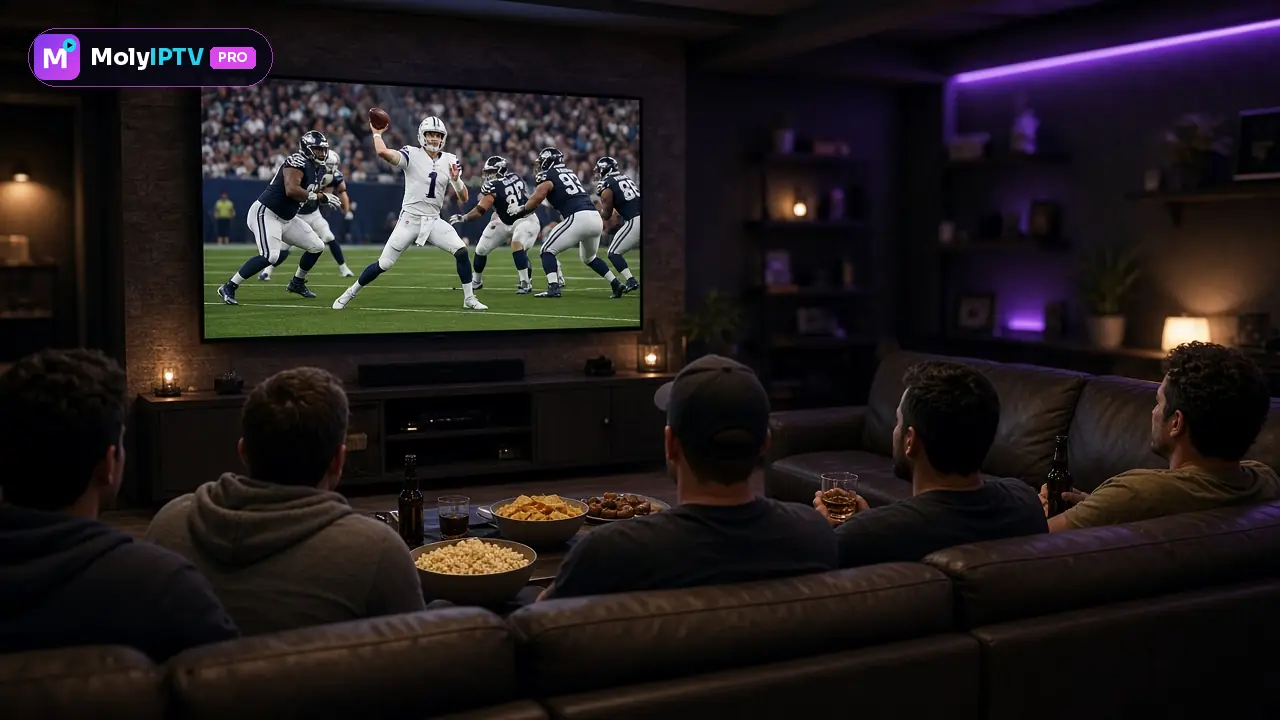
Sport is where 4K shines: you can follow the puck, read the shirt numbers in wide shots and see the texture of the pitch. Pair a 4K sports channel with a TV sports mode that keeps motion smoothing low to avoid the “soap opera” effect. See the sports page for what we cover.
4K for films
For films, 4K with HDR gives deeper blacks and brighter highlights. Use the TV’s Filmmaker mode, turn off extra sharpening and enjoy. Browse the movies and series page for the library.
When to choose FHD instead
FHD is the better choice when your connection is unstable, when several people stream at once, or on screens smaller than 50 inches where 4K’s extra detail is hard to see. A smooth FHD picture is always more enjoyable than a 4K picture that stutters.
Checking that you really get 4K
Many players show the stream resolution: in TiviMate, press Select during playback and look at the stream info; in Smarters, open the player menu. On the TV, the info banner or the HDMI input information shows 2160p when a 4K signal arrives. If you see 1080p on a 4K channel, check that the device’s display resolution is set to 4K and that the HDMI cable and port support it; on many TVs only some HDMI ports are full-bandwidth.
HDR, Dolby Vision and what to expect
Some 4K films carry HDR, which widens contrast and colour. Your TV must support the same HDR format, and the device must have Match dynamic range or an equivalent setting turned on. Live 4K sport is usually SDR or HLG. Do not expect every film in the library to be 4K or HDR: many titles are in FHD, which still looks excellent on a good television.
A 4K checklist before a big game
- Device set to 4K output and connected to a 4K-capable HDMI port.
- Speed test on the device above 25 Mbps at the time of the game.
- Ethernet or a strong 5 GHz connection.
- The FHD version of the channel in your favourites as a backup.
The bottom line
4K IPTV in Canada is worth it on a large TV with a capable device and a 25 Mbps+ wired connection. MolyIPTV Pro includes 4K content in all plans, so you can test it during the free 24 hours. Compare durations on the pricing page and see everything else on the MolyIPTV Pro home page.
Plans and prices
Same content in every plan; you only choose the length. Billed in USD, one payment, no contract.
1 month
US$15
US$15 per month
≈ CA$21 · approximate, billed in USD
Try it month to month
- 44,000+ live channels
- 186,000+ movies
- 12,000+ series
- HD / FHD / 4K quality
- Smart TV, Fire TV Stick, Android, iPhone/iPad, PC/Mac
- EPG TV guide included
- Stable servers
- Fast activation via WhatsApp
- Daily WhatsApp support
Activation in minutes via WhatsApp
3 months
US$33
US$11 per month
≈ CA$46 · approximate, billed in USD
Save US$12 vs paying monthly
- 44,000+ live channels
- 186,000+ movies
- 12,000+ series
- HD / FHD / 4K quality
- Smart TV, Fire TV Stick, Android, iPhone/iPad, PC/Mac
- EPG TV guide included
- Stable servers
- Fast activation via WhatsApp
- Daily WhatsApp support
Activation in minutes via WhatsApp
6 months
US$50
US$8.33 per month
≈ CA$70 · approximate, billed in USD
Save US$40 vs paying monthly
- 44,000+ live channels
- 186,000+ movies
- 12,000+ series
- HD / FHD / 4K quality
- Smart TV, Fire TV Stick, Android, iPhone/iPad, PC/Mac
- EPG TV guide included
- Stable servers
- Fast activation via WhatsApp
- Daily WhatsApp support
Activation in minutes via WhatsApp
12 months
US$79
US$6.58 per month
≈ CA$111 · approximate, billed in USD
Save US$101 vs paying monthly
- 44,000+ live channels
- 186,000+ movies
- 12,000+ series
- HD / FHD / 4K quality
- Smart TV, Fire TV Stick, Android, iPhone/iPad, PC/Mac
- EPG TV guide included
- Stable servers
- Fast activation via WhatsApp
- Daily WhatsApp support
Activation in minutes via WhatsApp
All prices are billed in US dollars (USD). One payment for the whole period: no contract and no automatic renewal. Every plan includes exactly the same channels, movies and series; only the length changes. Want to test first? Ask for the free 24 hours. How the free trial works.
Frequently asked questions
Which channels are in 4K?
Selected sports channels, some event channels and a growing set of films and series in the on-demand library. Most live channels are HD or FHD, which is also what broadcasters send.
What internet speed do I need for 4K?
About 25 Mbps for one 4K stream, measured on the device in the evening. Ethernet is strongly recommended.
Which devices support 4K IPTV?
Fire TV Stick 4K and 4K Max, Apple TV 4K, recent Android TV and Google TV devices, 4K Formuler and MAG boxes, and 4K Smart TVs with a compatible app.
Is 4K included in every plan?
Yes. 4K content is part of the service on all four plans.
Why does 4K look worse than FHD sometimes?
If the connection drops, the stream may stutter. In that case FHD gives a smoother, more enjoyable picture.
Does 4K use more data?
Yes, roughly 7 GB per hour or more, compared with 1 to 3 GB for HD and FHD. Keep that in mind if your internet plan has a monthly data cap.